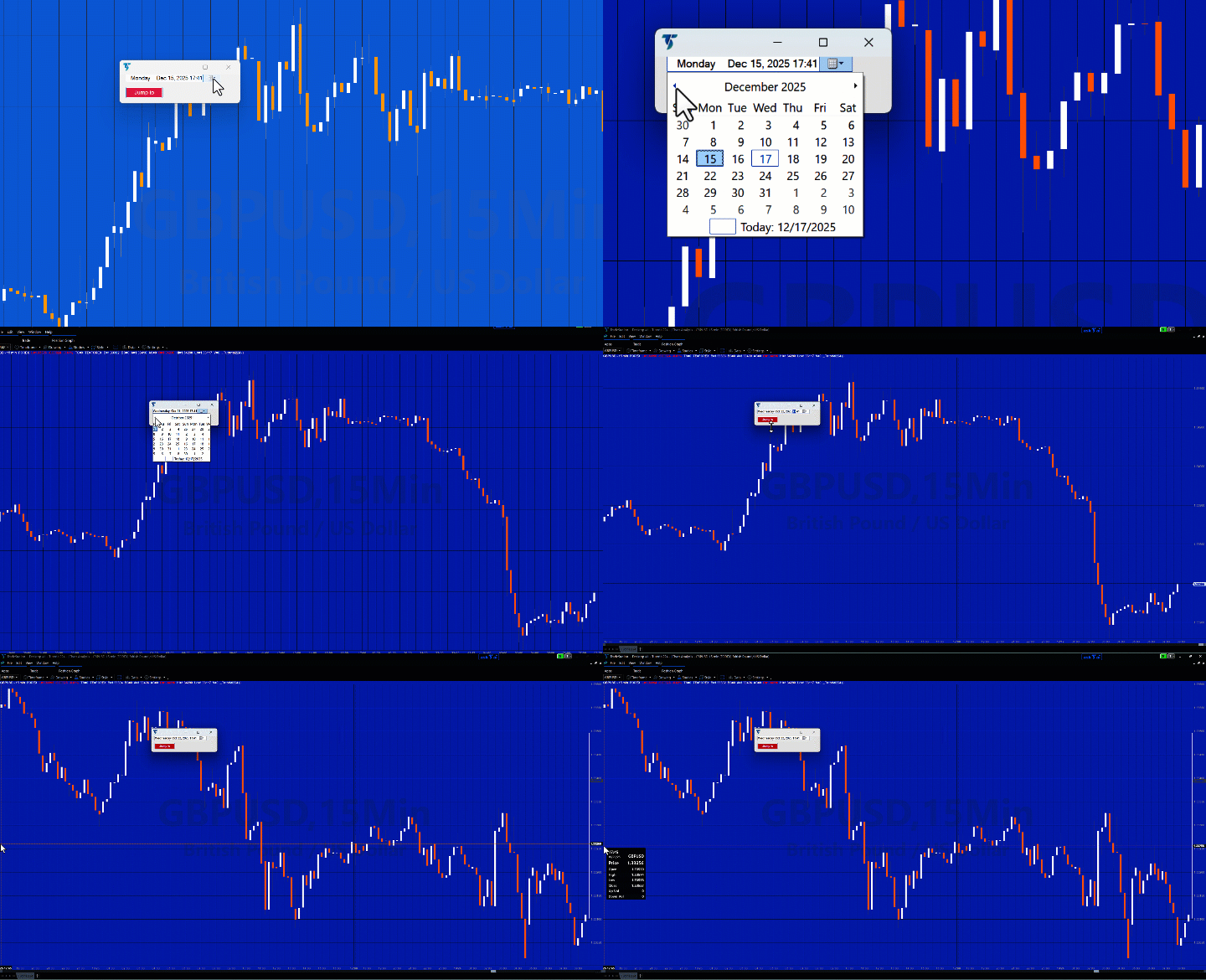
Charting Host ScrollTo
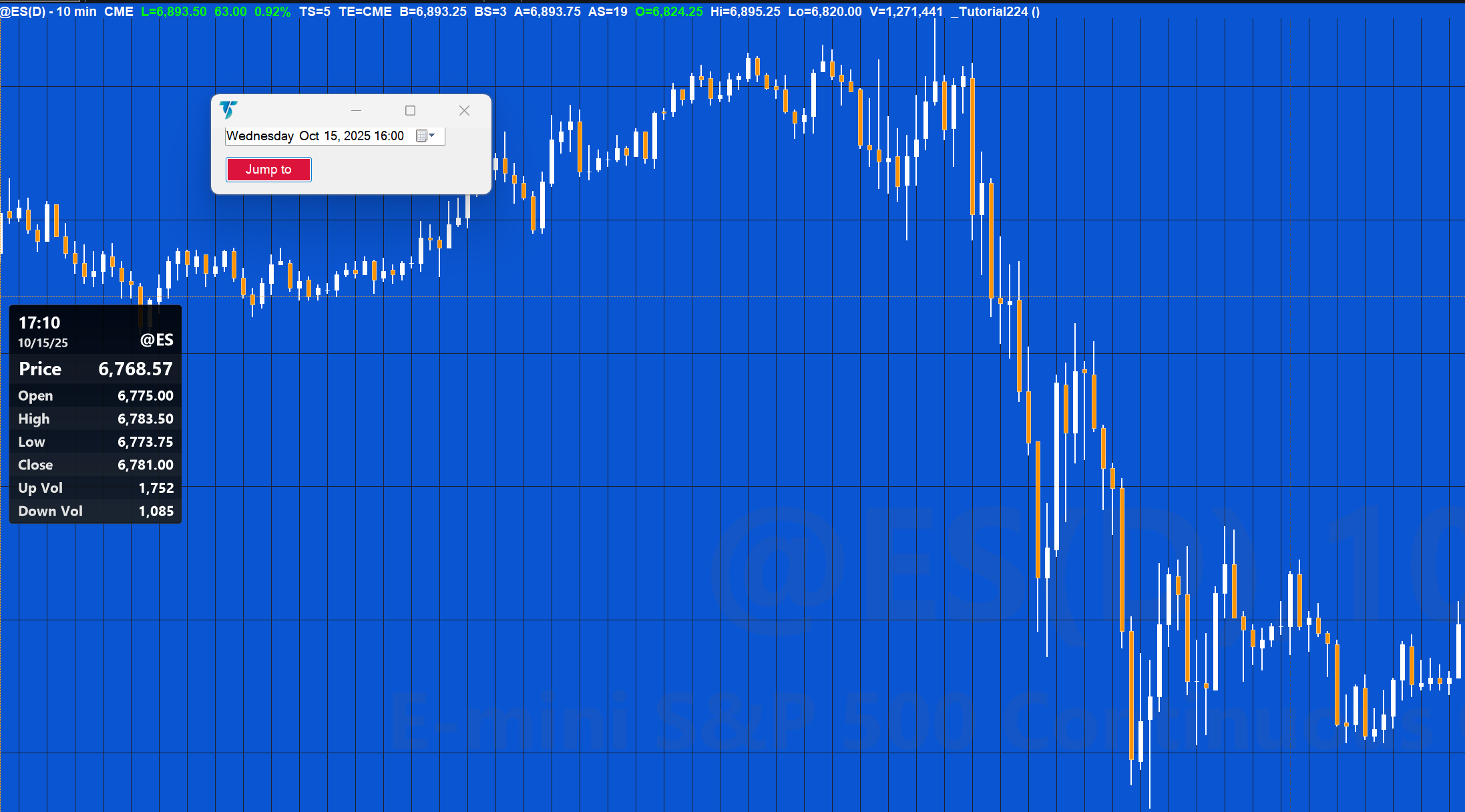
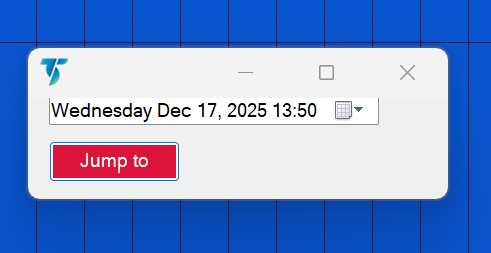
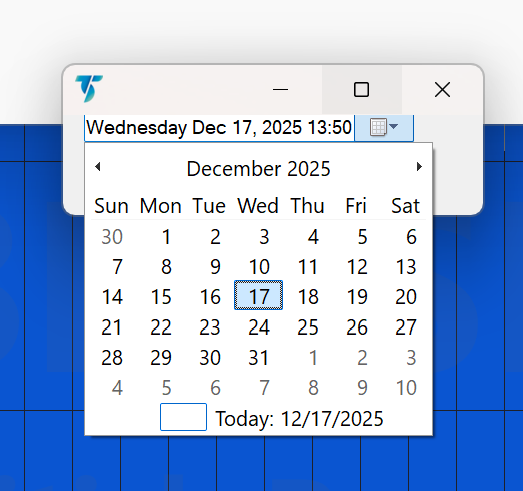
_Tutorial224 demonstrates the creation of a TradeStation EasyLanguage show-me study that allows the user to select a specific date and time, then click a button to automatically scroll the chart to that location (or as close as possible), assuming sufficient historical data is loaded.
The tutorial demonstrates a hybrid development approach available to TradeStation EasyLanguage programmers: building parts of the program with the EasyLanguage Toolbox / Designer, then copying, editing, and refining the Designer-generated EasyLanguage code to complete the final version.
A key focus of the tutorial is understanding which portions of the Designer-generated code are essential and which portions consist only of default values that can safely be deleted. This helps clarify what the TradeStation study actually requires to function versus what the Designer adds for its convenience.
By the end of the tutorial, users will:
- Learn a new aspect of TradeStation chart navigation using EasyLanguage
- Understand how Toolbox controls, events, and properties translate into EasyLanguage code
- Gain experience cleaning up Designer-generated code.
Custom Date & Time Format Strings — Quick Reference
Custom date and time format strings are built from one or more format specifiers. Any format string longer than one character is treated as a custom format. Each specifier controls how a specific portion of a date or time value is displayed.
Day
-
d– Day of month (1–31) -
dd– Day of month, zero-padded (01–31) -
ddd– Abbreviated weekday name (Mon) -
dddd– Full weekday name (Monday)
Month
-
M– Month number (1–12) -
MM– Month number, zero-padded (01–12) -
MMM– Abbreviated month name (Jun) -
MMMM– Full month name (June)
Year
-
y– Year without leading zero -
yy– Two-digit year -
yyy– Year with minimum three digits -
yyyy– Four-digit year -
yyyyy– Five-digit year
Time (Hours)
-
h/hh– 12-hour clock (1–12, zero-padded) -
H/HH– 24-hour clock (0–23, zero-padded)
Minutes & Seconds
-
m/mm– Minutes -
s/ss– Seconds
AM / PM
-
t– First character (A or P) -
tt– Full designator (AM or PM)
Era
-
g/gg– Era designator (e.g., A.D.)
Time Zones
-
K– Time zone based on DateTime kind (UTC, Local, Unspecified) -
z– UTC offset hours (no leading zero) -
zz– UTC offset hours (leading zero) -
zzz– UTC offset hours and minutes
Separators
-
:– Time separator -
/– Date separator
Literals & Escaping
-
'text'or"text"– Outputs literal text exactly -
%– Forces the following character to be treated as a format specifier -
\– Escapes the next character -
Any other character is copied directly to the output
Explanation of tutorial 224
Download the tutorial 224 tutorial
If you wish to save yourself some typing, the tutorial programs are available for immediate download by clicking the ‘add to cart’ button below. You may pay using PayPal or a credit card. The price is $19.95
Free download for Gold Pass members
Download another version of tutorial 224 . If you are a Gold Pass member you can download the tutorial code below, please make sure that you are logged in with your Gold Pass user name and password.
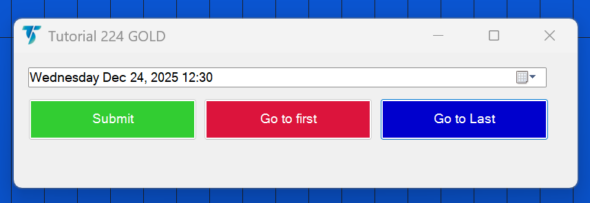
This version includes 3 buttons:
1. Set a date and time and then click the ‘submit’ button to automatically scroll the chart to that location (or as close as possible), assuming sufficient historical data is loaded.
2. Click a different button to go to the last bar on the chart.
3. Click a button to go to the first bar on the chart.
 This content is for members only.
TO THE BEST OF MARKPLEX CORPORATION’S KNOWLEDGE, ALL OF THE INFORMATION ON THIS PAGE IS CORRECT, AND IT IS PROVIDED IN THE HOPE THAT IT WILL BE USEFUL. HOWEVER, MARKPLEX CORPORATION ASSUMES NO LIABILITY FOR ANY DAMAGES, DIRECT OR OTHERWISE, RESULTING FROM THE USE OF THIS INFORMATION AND/OR PROGRAM(S) DESCRIBED, AND NO WARRANTY IS MADE REGARDING ITS ACCURACY OR COMPLETENESS. USE OF THIS INFORMATION AND/OR PROGRAMS DESCRIBED IS AT YOUR OWN RISK.
ANY EASYLANGUAGE OR POWERLANGUAGE TRADING STRATEGIES, SIGNALS, STUDIES, INDICATORS, SHOWME STUDIES, PAINTBAR STUDIES, PROBABILITYMAP STUDIES, ACTIVITYBAR STUDIES, FUNCTIONS (AND PARTS THEREOF) AND ASSOCIATED TECHNIQUES REFERRED TO, INCLUDED IN OR ATTACHED TO THIS TUTORIAL OR PROGRAM DESCRIPTION ARE EXAMPLES ONLY, AND HAVE BEEN INCLUDED SOLELY FOR EDUCATIONAL PURPOSES. MARKPLEX CORPORATION. DOES NOT RECOMMEND THAT YOU USE ANY SUCH TRADING STRATEGIES, SIGNALS, STUDIES, INDICATORS, SHOWME STUDIES, PAINTBAR STUDIES, PROBABILITYMAP STUDIES, ACTIVITYBAR STUDIES, FUNCTIONS (OR ANY PARTS THEREOF) OR TECHNIQUES. THE USE OF ANY SUCH TRADING STRATEGIES, SIGNALS, STUDIES, INDICATORS, SHOWME STUDIES, PAINTBAR STUDIES, PROBABILITYMAP STUDIES, ACTIVITYBAR STUDIES, FUNCTIONS AND TECHNIQUES DOES NOT GUARANTEE THAT YOU WILL MAKE PROFITS, INCREASE PROFITS, OR MINIMIZE LOSSES.